The field event is captured in real time.
Unit count, cycle time, temperature, vibration, energy usage or events produced by a vision system are collected in an orderly way.
IoT & Hardware
Bring data from machines, sensors, cameras and handhelds together with Ainos ERP processes. Don’t just monitor production; run maintenance, quality, inventory and cost processes on real data.
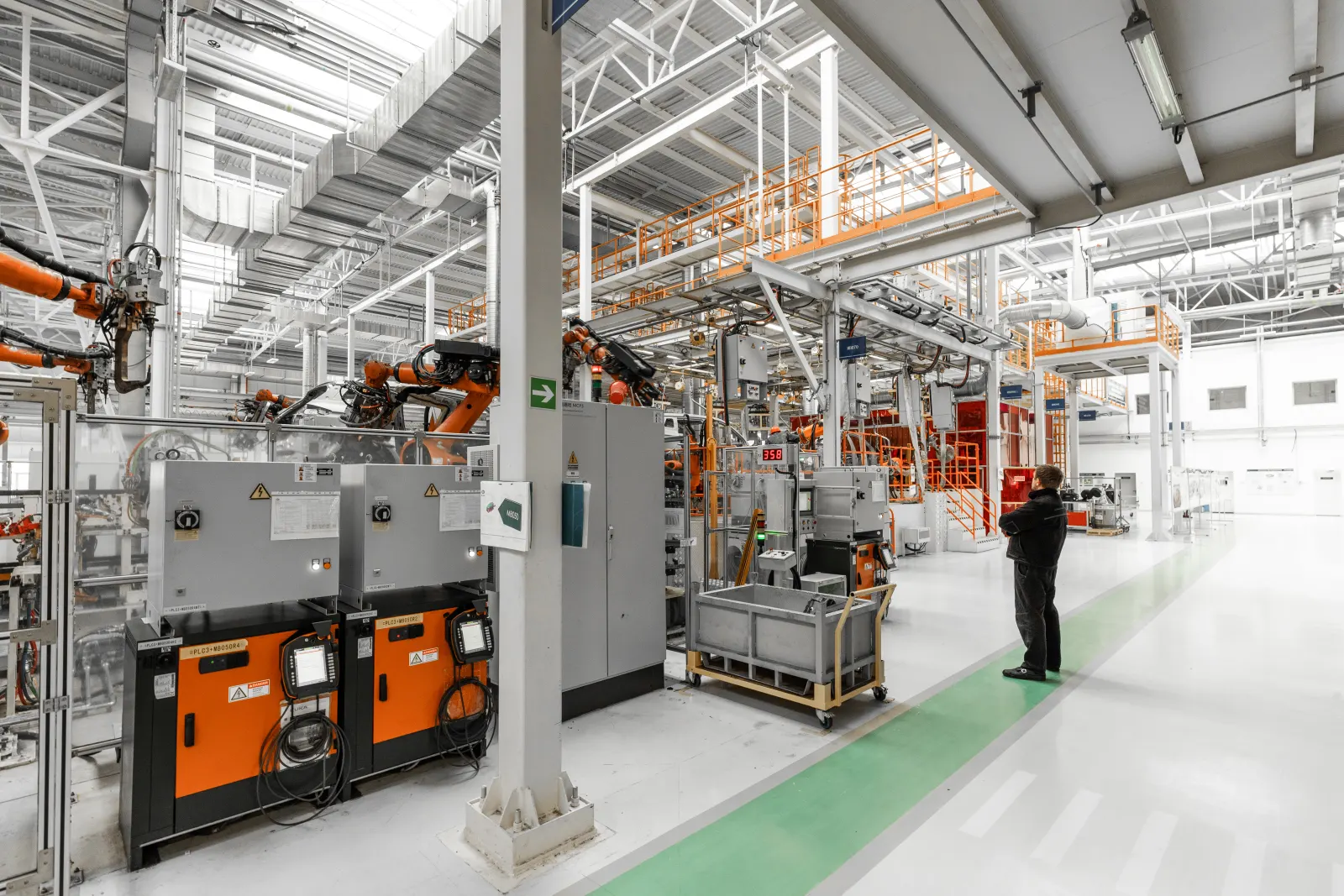
Unplanned downtime detected on line PRES-02.
Core approach
The value of IoT data comes not from a chart, but from being connected to the right ERP process. Ainos ERP turns a field event into the relevant work order, quality record, stock movement or management metric.
Unit count, cycle time, temperature, vibration, energy usage or events produced by a vision system are collected in an orderly way.
Data is linked to ERP objects such as machine, product, shift, work order, operator and location. So a number becomes a meaningful record for the business.
When a threshold or business rule is met, a maintenance order opens, a quality alert is raised, production progress updates or the responsible team is notified.
End-to-end data flow
Instead of connecting every device directly to the ERP, the setup uses a layered architecture that securely collects, organizes and routes data according to business rules.
Machine controllers, sensors, camera systems, scales, barcode readers and handhelds produce the field state.
Data is collected close to the field, organized with timestamps, passed through required checks and can be buffered against connection drops.
Raw values are matched with product, machine, work order and shift data. Defined thresholds and business rules determine which ERP action runs.
Production, maintenance, quality, inventory and cost modules update; management screens show the current state from the same data.
Data sources
Every device may produce different data. Ainos ERP offers a structure that connects data to shared processes without exposing that difference to the user.
Link the counting, nonconformance, area breach or verification events produced by camera or vision analysis systems to the relevant production and quality records.
Monitor changes in critical measurements; automatically route out-of-threshold values to maintenance, quality or storage-condition processes.
Compare machine signals with the production plan. Link actual counts, cycle time, run-stop status and alarms to the work order.
Confirm material receipt, production consumption, warehouse movement, counting and shipping steps in the field, creating ERP records without delay.
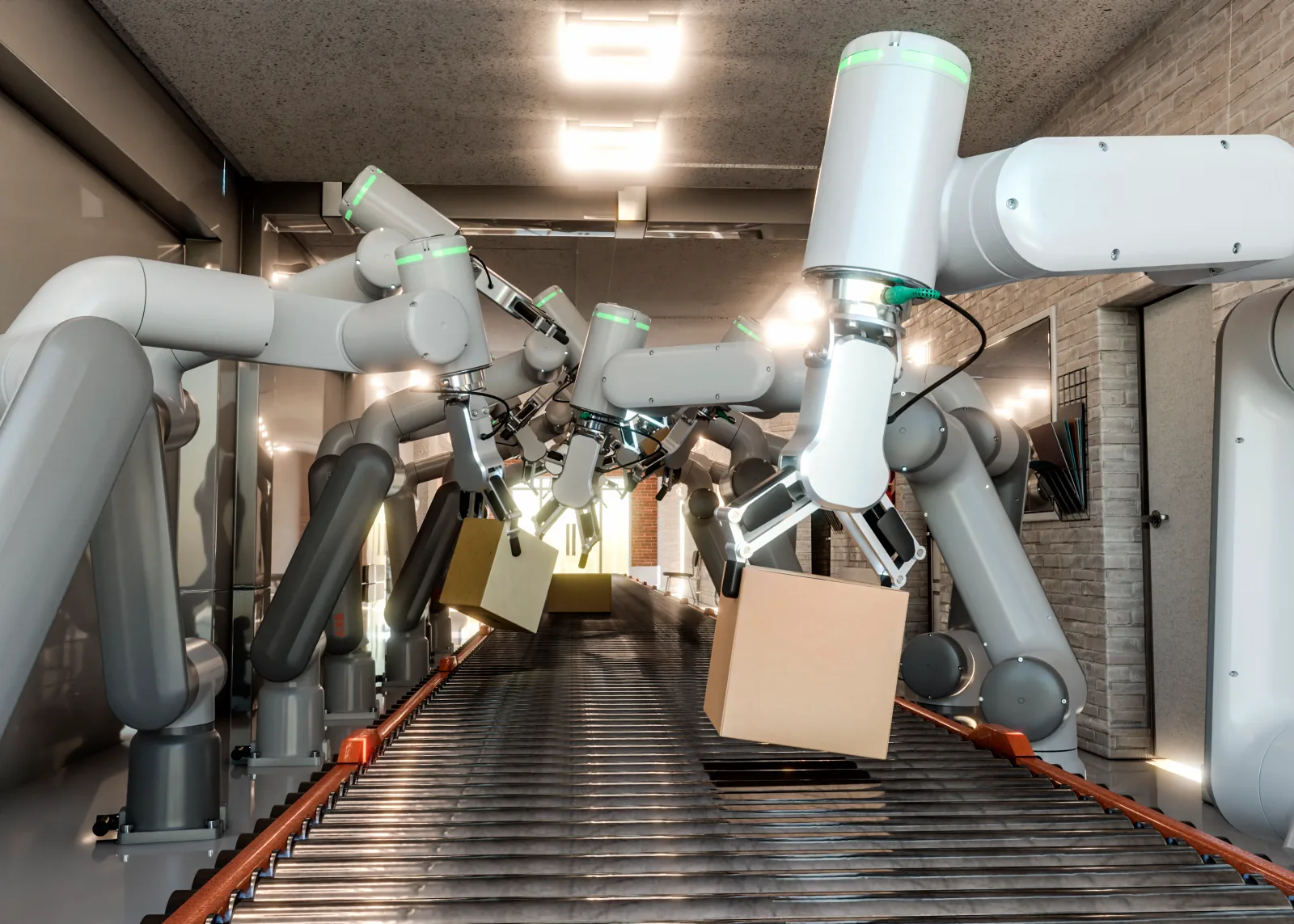
Camera integration
Camera systems produce high volumes of imagery. What the ERP needs is a verified event with clear context, at the right moment.
Value created in ERP
Telling the technical measurement together with the business outcome makes the value of the IoT investment visible.
A machine counter or operator confirmation turns into work order progress and a plan-vs-actual comparison.
Depending on the event type, a fault report, inspection task or preventive maintenance alert is created.
A sensor or vision event is passed to the quality team together with product, lot and operation data.
Barcode, RFID, scale or terminal data confirms receipt, consumption, transfer and shipping movements.
Line- or machine-based energy readings feed product, shift and operation cost analysis.
Production, downtime, quality and energy data are evaluated in one ERP context, not on separate screens.
Product preview
Field telemetry and the actions that data triggers in the ERP, on one panel. The values below are representative demo data.
Note: panel values are representative; a real setup runs on your own site data.
Security and continuity
IoT integration is not just about connecting. Authorization, traceability, connection continuity and system boundaries must be addressed from the start of the design.
Access for devices, the integration service and ERP users is managed at separate authorization levels.
Data transfer happens over secure channels; critical events and integration operations are tracked with audit logs.
When the field connection is temporarily lost, buffering scenarios in the collection layer can prevent data loss.
Start with one critical line or process; the validated model is then rolled out to other machines and facilities in a controlled way.
FAQ
Setup, device support, data security and starting scope — the most common questions.
Different sources such as machine controllers, sensors, camera or vision analysis systems, energy meters, scales, barcode/RFID readers and handhelds can be brought into scope. Exact support is determined by the device’s communication method and the project scope.
Usually the aim is not to carry a continuous video stream into the ERP, but to link the counting, nonconformance or verification event produced by the camera system to the relevant ERP record. Where needed, a reference image tied to the event can also be stored.
In many projects you can proceed using the existing controller, sensor output or external data collection equipment. The right method is chosen during the site survey, considering the machine’s age, accessible signals and production safety.
The best start is to pick a single line, machine group or critical process that delivers measurable benefit. For example, unplanned downtime, scrap tracking or energy consumption can be the pilot scope. Once validated, the model is scaled out.